Comercia POS

Smart point
of sale

A complete solution for managing sales, inventory and the cash register in stores of any size. Fast interface, real-time reports and local support.
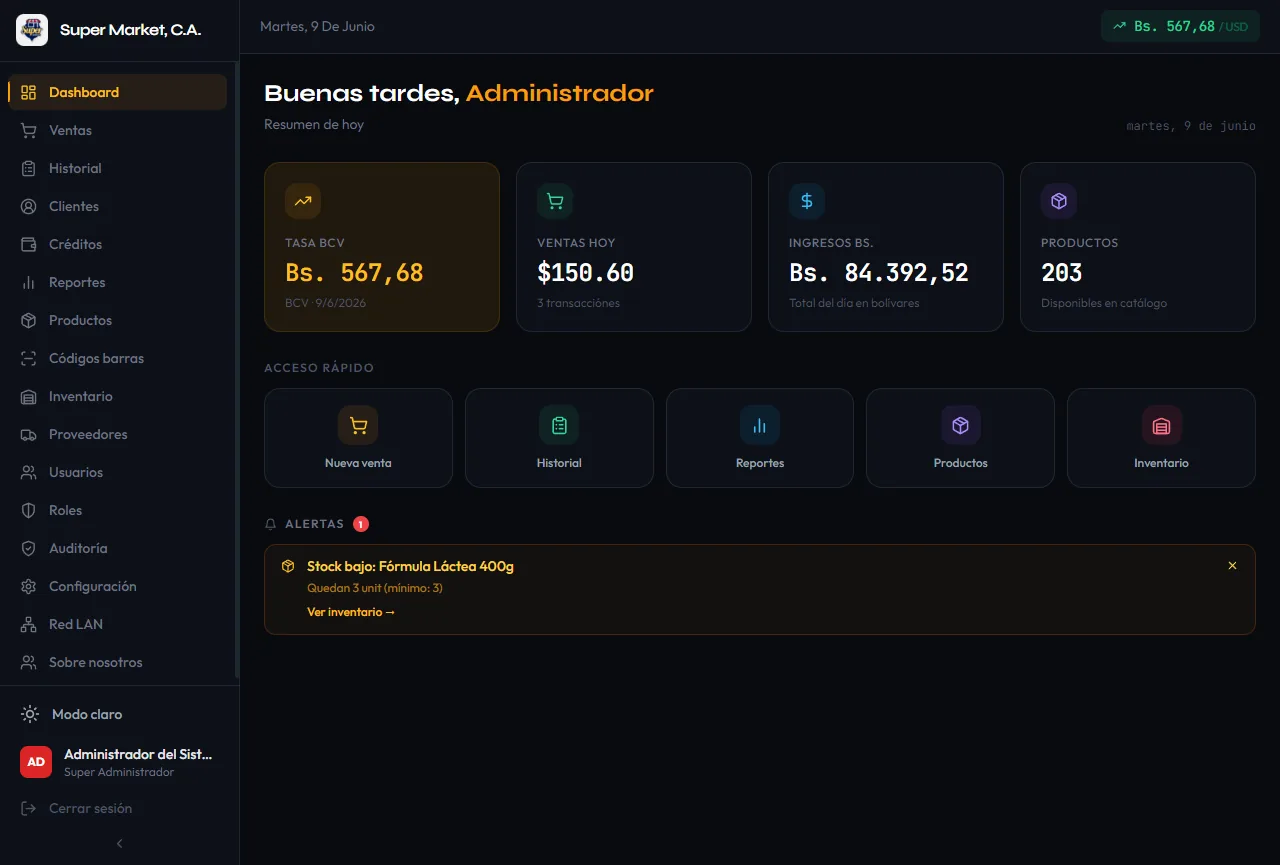
Comercia POS main screen
Program details

Everything you need
for your store

System requirements

  • Windows 10 / 11 (64-bit)
  • Dual-core 2.0 GHz+ processor
  • 4 GB of RAM
  • 500 MB of disk space
  • 1366×768 display or higher
  • Internet optional (not required to operate)

Included features

  • Real-time inventory control
  • Multiple payment methods
  • Sales reports and statistics
  • Customer management and loyalty
  • Receipts and delivery notes
  • Offline mode with no data loss
  • Multi-branch
  • Thermal printer and cash drawer support
  • Android mobile app (extra register mode)
  • LAN sync with the mobile app
Available on

Desktop and mobile

Comercia POS runs on your Windows PC as the central server and on Android devices as extra registers connected over LAN.

Windows (Desktop)
Main server · PC or laptop
  • Windows 10 / 11 (64-bit)
  • Full admin panel
  • Reports, settings and audit log
  • Acts as the LAN server for the app
  • Thermal printers and cash drawer

.rar file: extract it with WinRAR or 7-Zip. If Windows shows the SmartScreen warning, click “More info” → “Run anyway”.

Android (Mobile app)
Extra register · arm64-v8a
  • Android 10+ · arm64 (64-bit)
  • Touch-optimized point of sale
  • Connects to the PC over WiFi/LAN
  • Synced inventory, customers and payments
  • Works without internet (local mode)

If your phone asks, allow “Install unknown apps” for the browser or file manager you use.
Versions

Update history

v1.0.0 Beta
June 2026
  • First public beta (Windows + Android)
  • Real-time inventory control
  • Multiple payment methods
  • Sales reports and statistics
  • Customer management and loyalty
  • Receipts and delivery notes
  • Offline mode with no data loss
  • Local LAN support (PC as server, Android as register)
  • Android mobile app (arm64) — real-time sync with the PC server
  • Inventory movement history and audit log
Screenshots

A look at Comercia POS

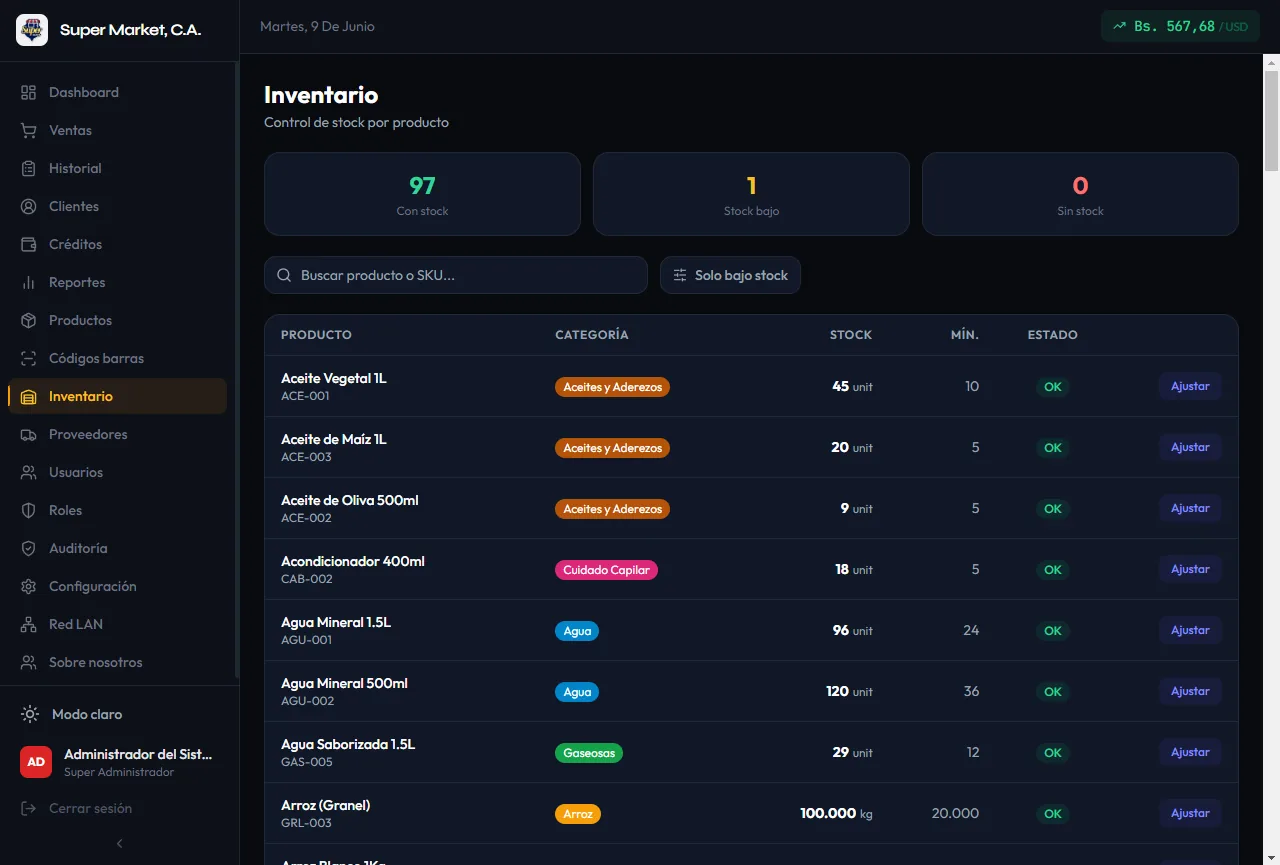
Comercia POS main screen
Main screen
Sales panel and daily summary
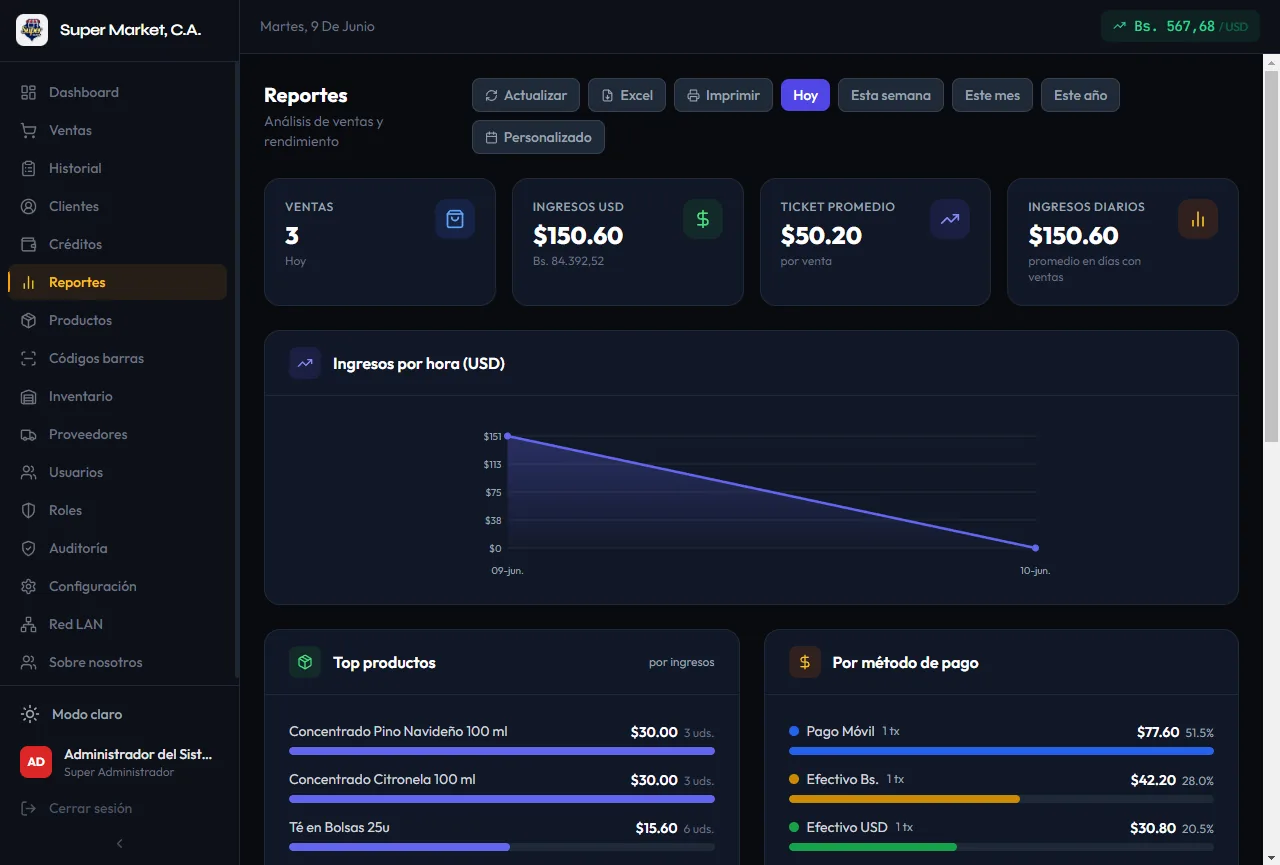
Comercia POS reports
Reports
Performance stats and charts
Comercia POS inventory
Inventory
Products and stock control
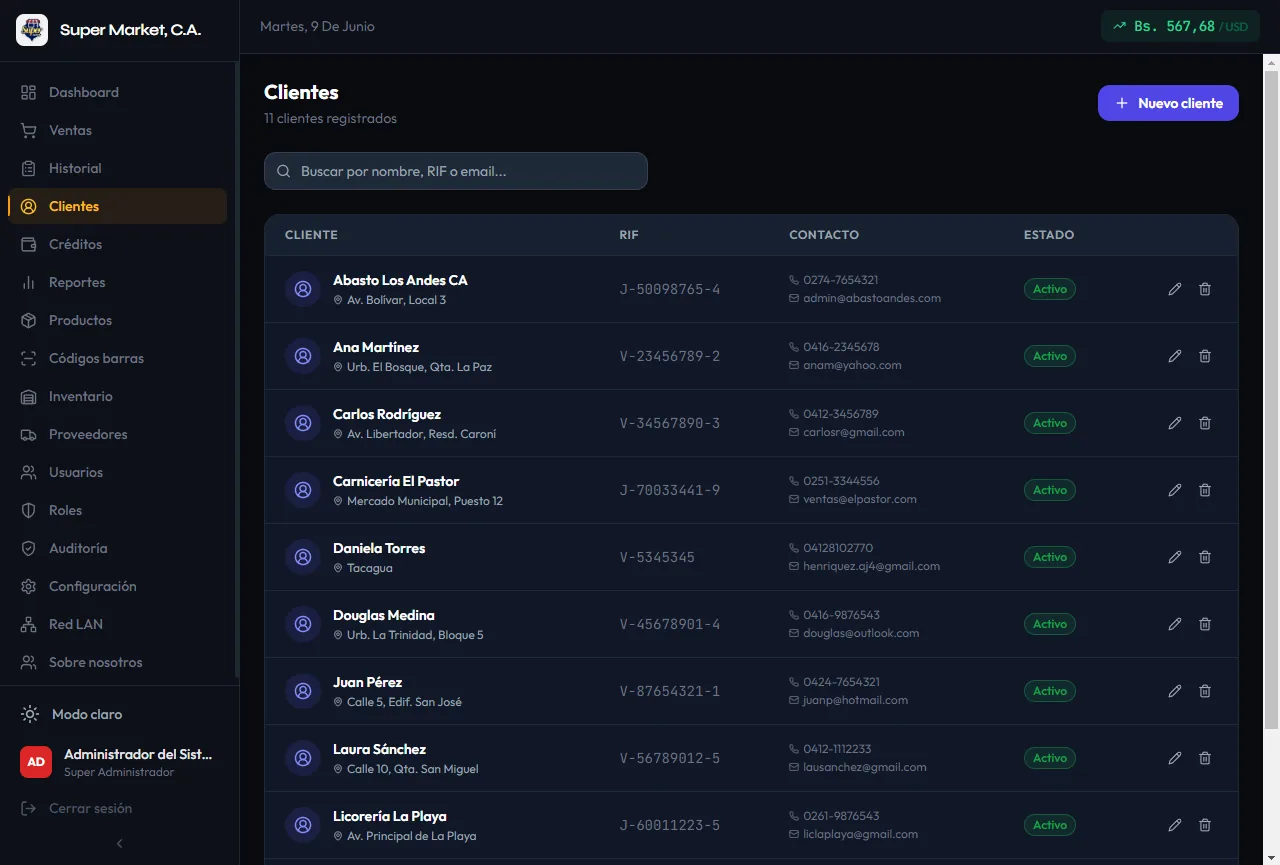
Customers in Comercia POS
Customers
Customer management and history
I want to try it

Start your free trial

Leave your details and our team will contact you on WhatsApp to set up a no-obligation trial account.